




Location-specific landing pages are often undervalued in the world of digital marketing. Many businesses create these pages with basic information like name, address, phone number, and hours, perhaps adding a Google Map for directions.
Some may include generic copy or a simple call-to-action. While this approach can be effective for local SEO, there’s much more potential to unlock.
Understanding the Purpose of Location Pages
Location pages typically fall into four main categories:
- Location Detail Pages: These represent physical business locations.
- Service/Department Pages: These highlight specific services or departments at a location.
- City Pages: These cover multiple locations within a city.
- State Pages: These encompass locations across an entire state.
Service area businesses (SABs) may need additional city pages for areas they serve without physical locations.
The SEO Value of Location Pages
Location pages play a crucial role in two types of search queries:
- Brand Queries: When users search for your brand name, possibly with location modifiers, Google often prioritizes location pages.
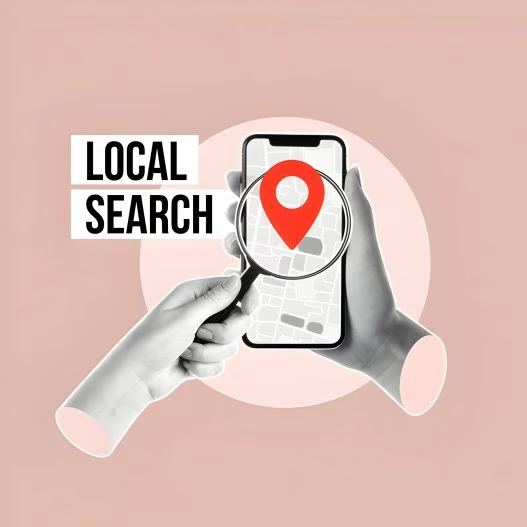
- Non-Brand Local Queries: These high-value searches can attract new customers looking for services in a specific area.
Additionally, location pages often accumulate backlinks from local directories and media sites, boosting overall site authority.
Impact on Local Pack Rankings
A well-optimized location page linked to your Google Business Profile (GBP) can significantly influence your rankings in Local Pack results. Testing has shown that changing the linked page can affect rankings, so it’s worth experimenting to find the most effective approach.
Key Elements of an Optimized Location Page
- Accurate NAP (Name, Address, Phone) information
- Structured data markup (LocalBusiness schema)
- Targeted meta data (title tags and H1 headers)
- Relevant calls-to-action (CTAs)
Advanced Optimization Techniques
To take your location pages to the next level, consider:
- Creating unique, location-specific content
- Linking to nearby locations
- Including relevant images and videos
- Connecting to product/service category pages
- Incorporating local customer reviews
- Featuring team member information
- Highlighting community involvement and local accolades
Potential Pitfalls to Avoid
- Creating unnecessary location + service pages
- Developing pages for areas without physical locations (except for SABs)
- Generating thin content across multiple location pages
Focusing on Local Intent
Before investing heavily in location pages, assess the local intent behind relevant search queries. Create pages only for queries with clear local intent to maximize your efforts and avoid potential issues with thin content.
By implementing these strategies and avoiding common mistakes, you can transform your location pages into powerful tools for improving local search visibility and attracting more customers to your business.

Author